Yes, OBD2 scanners work with an iPhone — but only two kinds: Bluetooth LE (4.0 and newer) and Wi-Fi. The cheap ELM327 dongles built on Bluetooth Classic (SPP) will never work with any iOS app, because the system gives apps no access to that profile. And the second thing almost everyone trips over: a BLE adapter never shows up in Settings → Bluetooth — you connect to it from inside the diagnostic app. Below: a table of the three adapter types, a seven-point checklist for when it refuses to connect, and what to do with the codes once you have them.

The check-engine light comes on, the shop wants around $150 just to tell you why, and a $25 adapter plus the phone in your pocket can pull the same trouble codes in two minutes. That math is real — but the iPhone version of it comes with one catch that trips up almost everyone: most cheap ELM327 "Bluetooth" adapters physically cannot talk to an iPhone. They pair fine with Android, then never show up on iOS, and the one-star reviews blame the app, the car, or Apple. This guide covers the whole path: which adapters genuinely work with an iPhone, how to connect one without the usual dead-ends, what the codes actually mean — and when clearing them is a fix versus a mistake.
What OBD2 is, and where the port hides#
OBD2 (on-board diagnostics, version two) is the standardized diagnostic system every gasoline car sold in the US since model year 1996 must have — Europe followed with EOBD for gasoline cars in 2001 and diesels in 2004. It watches the engine, transmission and emissions systems, and when something drifts out of spec it stores a diagnostic trouble code (DTC) and, if the fault matters, turns on the check-engine light.
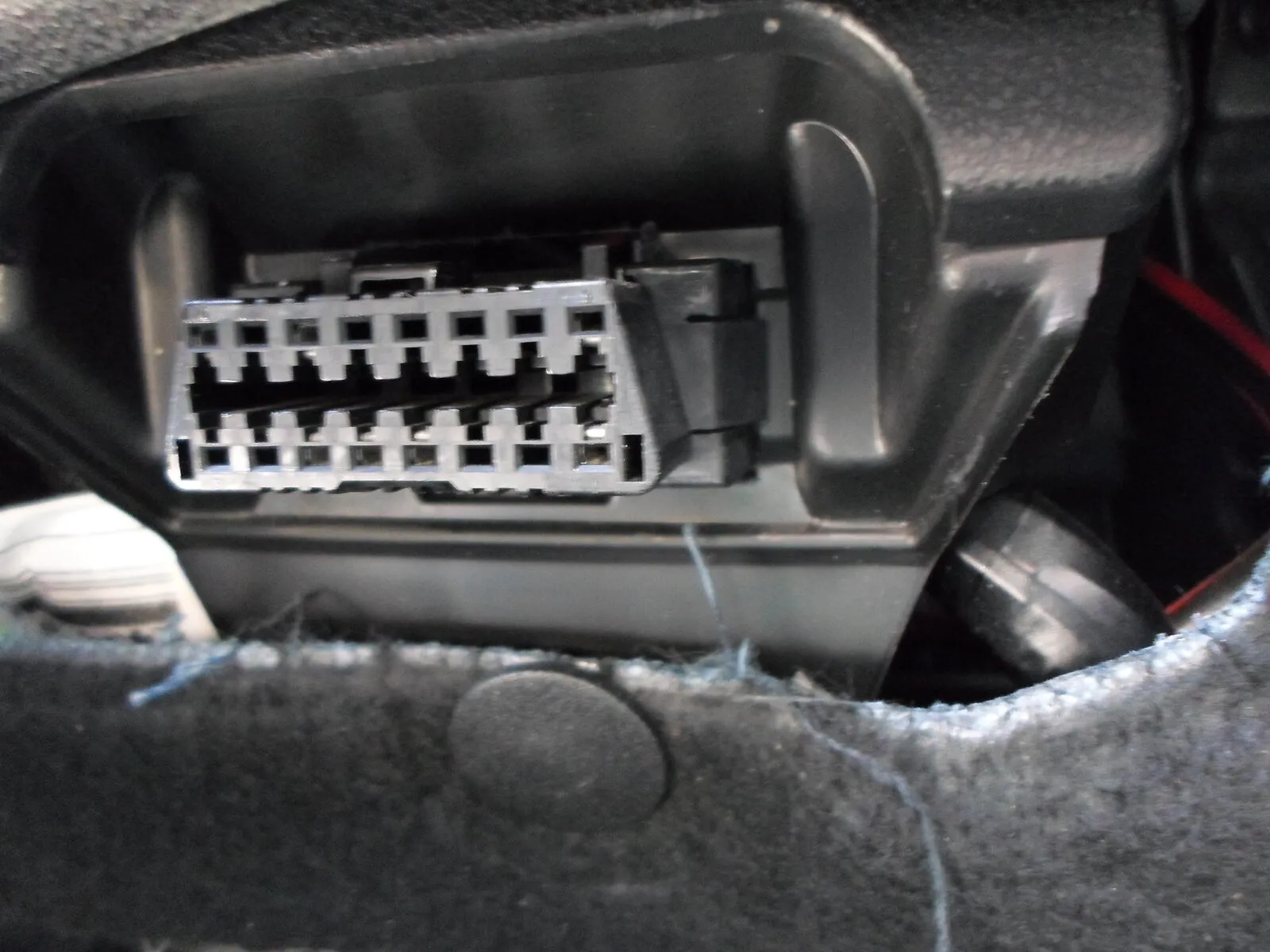
The port is a 16-pin trapezoid connector, almost always within reach of the driver's seat: under the dash left of the steering column, behind a small flap, or near the fuse box. No tools needed — the adapter just plugs in.

The iPhone catch: Bluetooth Classic vs Bluetooth LE#
Here is the single most useful fact in this article. There are two different kinds of Bluetooth in OBD2 adapters, and iPhones only work with one of them:
- Bluetooth Classic (SPP) — the older serial protocol most $8–15 ELM327 clones use. Android apps can open it directly; iOS does not let apps use it (Apple reserves it for licensed accessories). An adapter like this will never work with an iPhone app, no matter what the listing says.
- Bluetooth Low Energy (BLE, "Bluetooth 4.0") — the modern standard that iOS apps can talk to freely. This is what you want. Boxes and listings say "BLE", "Bluetooth 4.0/5.0" or explicitly "works with iPhone".
And the second most useful fact, because it generates endless confusion: a BLE adapter never appears in Settings → Bluetooth. That's normal. BLE devices don't pair at the system level the way headphones do — the diagnostic app finds and connects to the adapter itself, from inside the app. If you've been staring at the Bluetooth settings screen waiting for your adapter to show up, nothing is broken. Skip that screen entirely.
The third option is Wi-Fi adapters: the dongle creates its own hotspot, you join it in Settings → Wi-Fi, and your phone will warn "No Internet Connection" — which is also normal, because the adapter isn't the internet, it's your car. Wi-Fi adapters work fine with iPhones; the trade-off is that your phone loses its Wi-Fi internet while connected, and you must remember to switch back afterwards. For most people a BLE adapter is the more pleasant daily tool.
All of it in one table: three adapter types and what each one means for an iPhone owner.
| Adapter type | Works with an iPhone | Visible in iOS Settings | How you connect | Price and catch |
|---|---|---|---|---|
| Bluetooth Classic (SPP) | No — Android only | Sometimes listed, and it may even pair with PIN 1234 — which changes nothing | You cannot: iOS gives apps no access to SPP | $8–15. The most common thing on marketplaces |
| Bluetooth LE 4.0/5.0 | Yes | No — and that is normal: BLE does not pair at system level | From inside the diagnostic app | $20–40. The pleasant everyday choice |
| Wi-Fi | Yes, with a caveat | Yes, but under Settings → Wi-Fi: the dongle runs its own network | Join the adapter network first, then tap Connect in the app | $15–30. Your phone has no internet while connected |
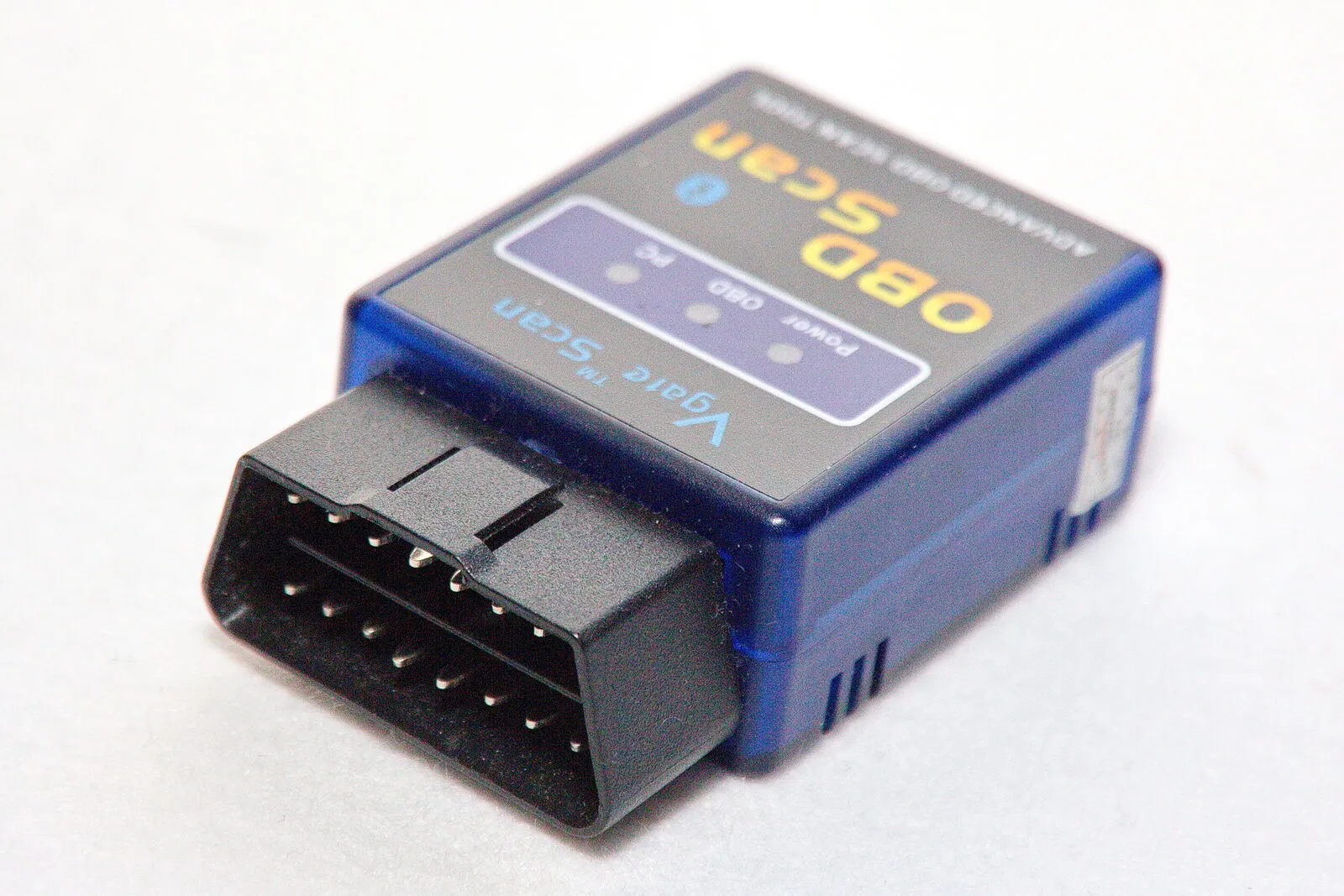
BLE, Bluetooth 4.0/5.0 or “works with iPhone” in the listing is the only marker worth buying on. The chip version — v1.5 versus v2.1 — tells you nothing.

Which adapter to buy#
The uncomfortable truth about the ELM327 market: it is flooded with counterfeit clones of a chip design from 2005, sold with incomplete command sets and firmware that lies about its version. A clone may work on one car and fail silently on another — and when it fails, it looks like the app or the car is at fault. Brimly ships a curated list of verified adapters it has been tested against, and shows a badge when you're connected to one. As of 2026 the list includes:
| Class | Examples | Price | Deep sleep | Who it is for |
|---|---|---|---|---|
| Budget | Veepeak OBDCheck BLE+, Vgate iCar Pro BLE, BAFX BLE, Panlong BLE | $20–40 | Not on every model | Reading and clearing codes plus live data — 95% of what an owner ever needs |
| Mid-range | Vgate vLinker FS/MC, Carista, PLX Kiwi 3 | $40–90 | Yes, proper | Faster polling; fine to leave plugged in on a daily driver |
| Premium | OBDLink CX, LX, MX+ | $80–140 | Yes, deep | The most stable connection, the lowest standby draw, the widest protocol support |
Every adapter listed here is on Brimly's verified list — the app shows a badge when you are connected to one of them.
The practical rule: if an adapter costs less than lunch and the listing doesn't mention iPhone, BLE or Bluetooth 4.0 anywhere, assume it's a Bluetooth Classic clone and pass. Spending $25 instead of $9 is the cheapest reliability upgrade in car diagnostics.
Connecting: the two-minute setup#
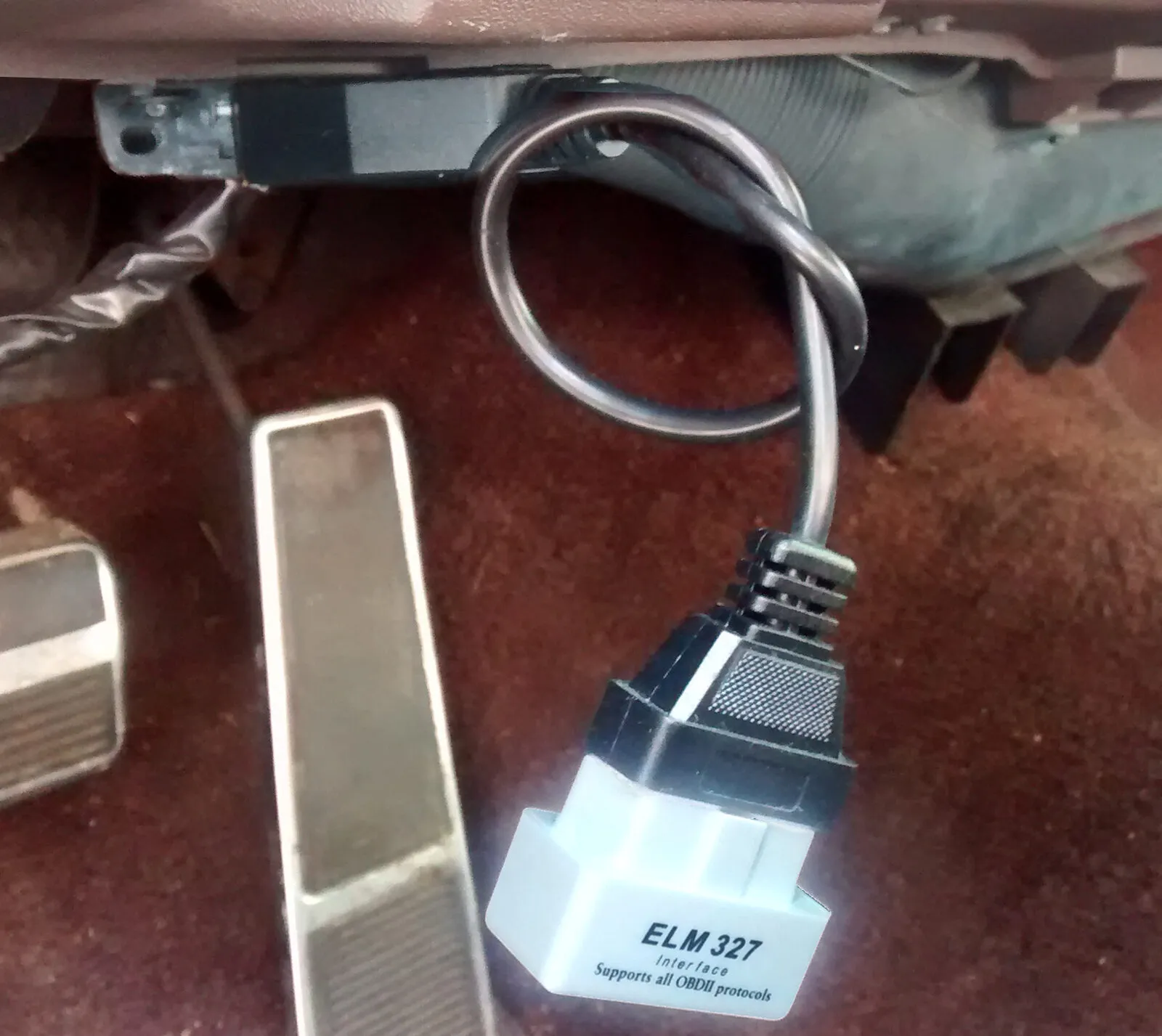
- Plug the adapter into the OBD2 port. Push it in firmly — a half-seated adapter is a classic source of "no connection" errors.
- Turn the ignition on. Key position II ("on") is enough to read codes; start the engine if you want live data like RPM and coolant temperature.
- Open Brimly → Tools → OBD diagnostics → Connect adapter. The app asks for Bluetooth permission right there (only when you tap, never on launch), scans for the adapter and connects. For a Wi-Fi adapter, join its network in Settings → Wi-Fi first, then connect in the app.
- Read. Within a few seconds you see the check-engine (MIL) status and every trouble code the car has stored — with plain-English descriptions from a built-in dictionary, so it all works with zero cell signal, in an underground garage or on a roadside with no bars.

It will not connect: a seven-point checklist#
In the order worth checking, from the most common cause to the rarest. The first two account for most of the one-star reviews.
- It is a Bluetooth Classic adapter. The most common cause and the only unfixable one. If the listing mentions neither BLE nor Bluetooth 4.0/5.0 nor the iPhone, the dongle is Android-only and no app can work around it.
- You are looking for it in Settings → Bluetooth. BLE devices never appear there — they need no system-level pairing. Open the diagnostic app and start the scan from inside it.
- The adapter is not fully seated. The port is a tight fit, and half of all no-connection errors go away when the dongle is pushed home. On an older car the socket itself can be loose — wiggle it.
- The ignition is off. The port has power around the clock, but the data bus wakes up with the ignition. Turn the key to position II, or press Start without the brake, and try again.
- The app was denied Bluetooth. Settings → Brimly → Bluetooth has to be on. If the permission was declined once, iOS never asks a second time.
- It is a Wi-Fi adapter and the phone slipped back to cellular. iOS likes to abandon a network with no internet. Turn off Wi-Fi Assist and check that the phone is still on the adapter network; if the app asks for an address, most Wi-Fi dongles live at 192.168.0.10, port 35000.
- Another phone or app already holds the adapter. A BLE adapter keeps exactly one connection. Close the other app, turn Bluetooth off on the second phone, unplug the dongle for ten seconds and plug it back in.
Reading the results: stored, pending, permanent#
A proper scan shows three separate memories, and the difference matters:
- Stored codes — confirmed faults; these are what lit the check-engine light.
- Pending codes — a fault seen once but not yet confirmed. It either matures into a stored code on the next drive or ages out on its own. A pending code is an early warning, not a verdict.
- Permanent codes — a copy of serious (usually emissions) faults that no scanner can erase. They clear themselves only after the car verifies the repair over several drive cycles. Their whole purpose is making sure nobody hides a live fault before an emissions test.
The code format tells you the neighborhood: P0xxx codes are generic powertrain faults every car brand shares (P0300 — random misfire, P0420 — catalyst efficiency low, P0171 — running lean); P1xxx and friends are manufacturer-specific. One honest scope note: the standard OBD2 protocol covers engine, transmission and emissions. ABS, airbag and body modules speak manufacturer-specific protocols that generic adapters and apps mostly can't reach — anyone promising full dealer-level diagnostics from an $8 dongle is overselling. We decode the ten most common codes — likely cause, keep-driving verdict, real repair cost — in the check engine light guide, and every generic code has its own page in the OBD2 code directory; for what they look like on real cars, our teardown of America's best-selling cars and their typical problems pairs several of them with specific known faults.
Should you clear the code?#
Clearing codes (OBD2 "mode 04") turns off the check-engine light and wipes the stored faults. Two things to understand before pressing the button:
Clearing is not fixing. If the fault is real, the code returns — after a drive, a week, or a cold morning. The legitimate uses are checking whether a fault recurs after a repair, or silencing a known, understood issue (the classic loose gas cap) once it's resolved.
Clearing resets the readiness monitors. The car's self-tests all revert to "not ready", and an emissions inspection will reject the car until it has completed several drive cycles — typically 50–100 miles of mixed driving. Clearing codes the night before a smog check is the classic way to fail one. Brimly puts this warning in front of every clear, asks for explicit confirmation, and logs the clear with a timestamp into the vehicle's history — so six months later you know exactly what was cleared and when.
Live data: the numbers worth watching#
Beyond codes, the adapter streams real-time engine data, and a few of the standard readings are genuinely diagnostic:
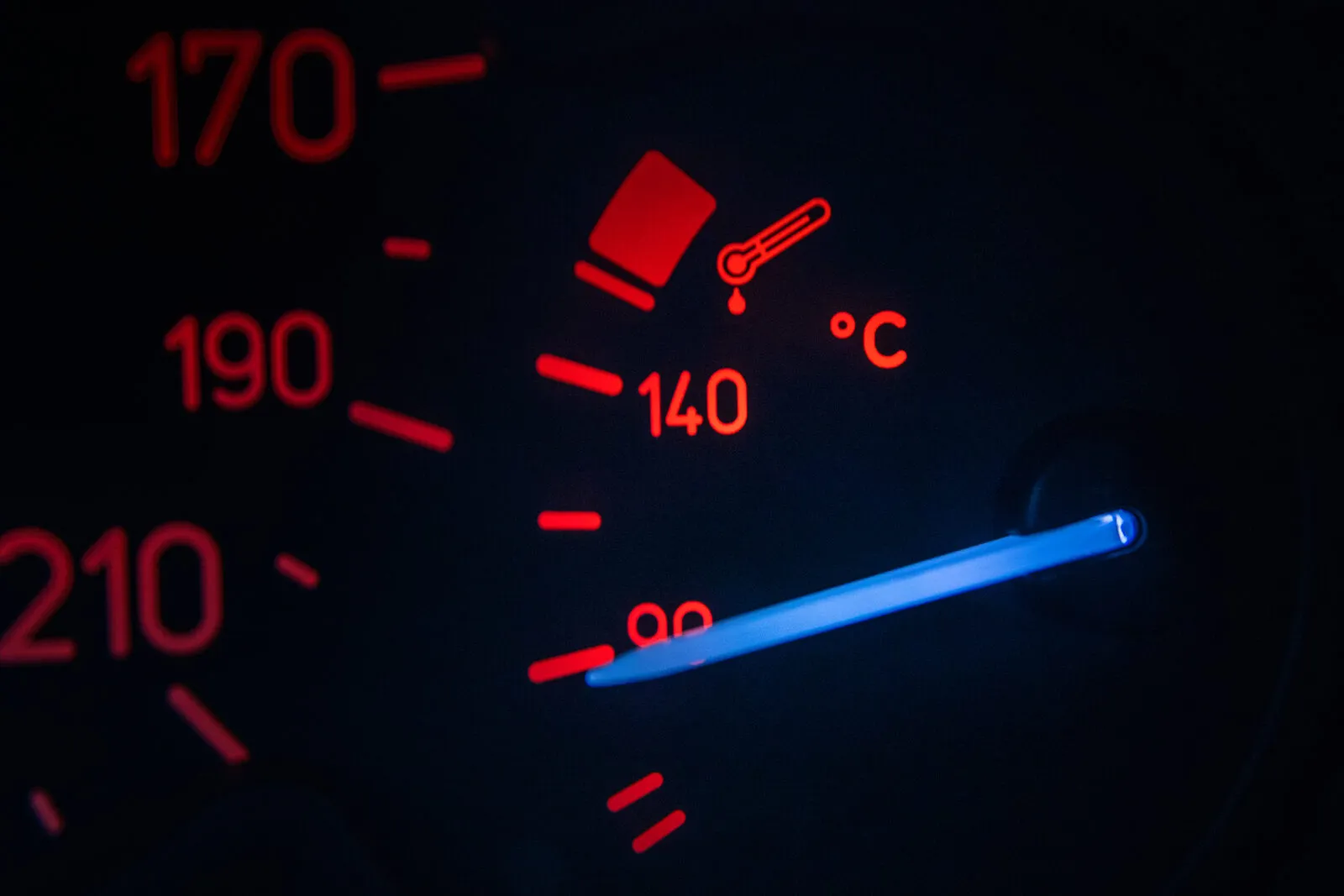
- Coolant temperature — should climb steadily to roughly 85–105 °C (185–220 °F) and hold. A car stuck at 70 °C has a lazy thermostat: more fuel burned, more engine wear, often with no warning light at all.
- RPM at idle — a warm engine should idle steady, typically 600–900 rpm. Hunting or surging points at vacuum leaks or idle-control issues.
- Fuel system status — "closed loop" a few minutes after a start is healthy; a car that stays in open loop when warm is running blind and rich.
- Calculated load and intake temperature — useful context for everything above, and for spotting a clogged air path.
Brimly's live dashboard polls these several times a second and shows instantaneous fuel consumption where the car supports it. A slow creep in fuel burn is often the first symptom of a failing sensor — which is exactly why pairing diagnostics with an honest fuel log works so well; the maintenance-by-mileage checklist is the other half of that habit.
.jpg)
From code to decision: what the AI layer adds#
A code tells you what tripped, not what to do. P0420 ("catalyst system efficiency below threshold") on a 60,000-mile car with a fresh exhaust leak is a different story from the same code at 180,000 miles — one is probably an oxygen sensor or a leak, the other may genuinely be the catalytic converter. This is where Brimly's PRO assistant earns its keep: "Explain this for my car" sends the code together with your car's profile — model, engine, mileage, recent service history — and answers about your car, not a generic code lookup. Walking into a shop already knowing the likely diagnosis changes the conversation entirely; we wrote about that asymmetry in how to tell if a mechanic is overcharging you.
Privacy note, because OBD data is your data: everything above — reading, clearing, live data — happens entirely on your iPhone and works offline. Nothing about your car leaves the device unless you explicitly ask for an AI explanation, and even then the request carries no VIN and no location.
Frequently asked questions#
Do OBD2 scanners work with iPhone?
Yes — with the right radio. iPhones work with Bluetooth LE (4.0+) and Wi-Fi OBD2 adapters. The cheapest ELM327 dongles use Bluetooth Classic, which iOS apps cannot access; those work only with Android.
Why won't my ELM327 connect to my iPhone?
Two causes cover nearly every case. Either it's a Bluetooth Classic adapter (Android-only — no app can fix that), or you're looking for it in Settings → Bluetooth, where BLE adapters never appear — connect from inside the diagnostic app instead. If it's a Wi-Fi adapter, join its hotspot in Settings → Wi-Fi and ignore the "No Internet" warning.
Can I clear a check engine light with my iPhone?
Yes. Any proper OBD2 app can send the clear command through a compatible adapter. The light stays off only if the underlying fault is gone — and clearing resets the emissions readiness monitors, so don't do it right before an inspection.
Is it safe to leave the adapter plugged in all the time?
The OBD2 port is powered even with the car off, so the adapter draws a small current around the clock. Quality adapters (the OBDLink family, vLinker) have deep-sleep modes and are fine to leave in a daily driver. Cheap clones without sleep modes can flatten a battery over a couple of weeks of the car sitting — unplug those.
Does the scanner work without internet?
In Brimly, yes — code reading, clearing and live data are fully offline, with the code descriptions stored on the phone. Only the optional AI explanation needs a connection.
Can it read ABS and airbag codes?
Generally no — those live on manufacturer-specific systems outside the standard OBD2 protocol. A generic adapter reads engine, transmission and emissions faults; ABS/airbag diagnostics need brand-specific tools.
ELM327 v1.5 or v2.1 — which version is better?
Neither: the number on the case is what the firmware claims about itself, not the chip inside. Among clones a v2.1 is often more crippled than a v1.5. Choose by the radio — BLE or Wi-Fi for an iPhone — and by the brand behind it, not by the version in the listing.
How do I tell from a listing whether it is BLE or Bluetooth Classic?
BLE markers: BLE, Bluetooth 4.0/5.0, works with iPhone or iOS, and a named app on the App Store. Classic markers: SPP, works with Torque, a pairing PIN of 1234 or 6789 in the manual, and Android as the only platform mentioned. If the iPhone is not named anywhere, assume Classic.
Does an OBD2 adapter work on a hybrid or an EV?
On a hybrid, yes — the combustion engine answers standard OBD2 like any other car. On a pure EV the standard protocol gives you little: fault codes and a few basic parameters. Battery state of health, cell data and range figures live in manufacturer-specific messages a generic adapter cannot reach.
The takeaway#
An OBD2 adapter is the best $25 a car owner can spend — as long as it's the right $25: Bluetooth LE or Wi-Fi for an iPhone, never Bluetooth Classic, connected from inside the app, not from the Bluetooth settings. Read all three code memories, treat pending codes as early warnings, clear only what you understand, and never clear before an emissions test. Brimly handles the whole flow on-device — read, explain, clear, log to the car's history — as part of a one-time purchase, with an AI that knows your specific car one tap away when a code needs more than a dictionary line.